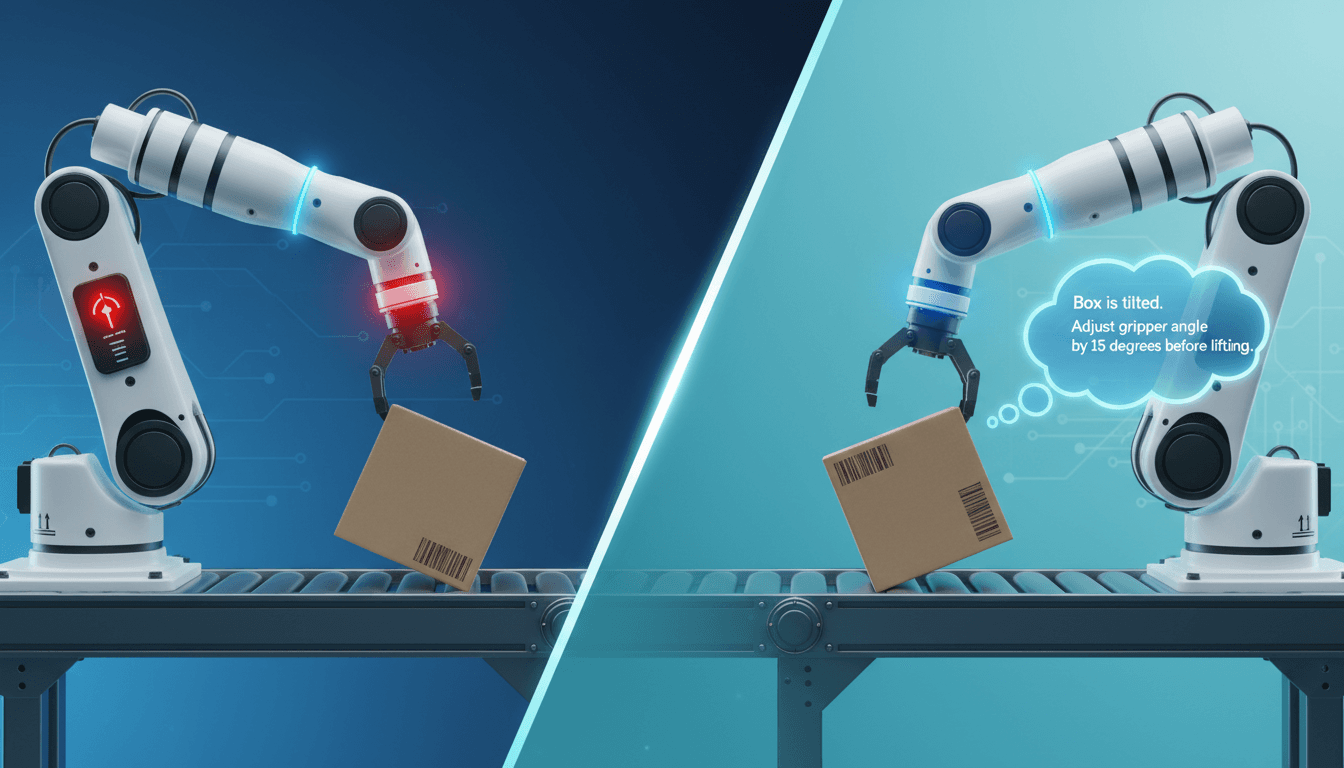

Your Vision AI Is Probably Failing at Its Job
You're using AI to inspect products. To analyze maps. To read medical scans.
You've been promised accurate, automated visual analysis. But what if your AI is missing critical details because it lacks the most basic visual skill: knowing where to look next?
New research exposes a fundamental weakness in today's smartest AI models. They can't perform tasks that require "active looking"—revisiting parts of an image as they reason. They fail at tasks humans find trivial, with potentially expensive consequences for your business.
What Researchers Discovered
In the paper An Exam for Active Observers, researchers created tests to measure AI's ability to observe carefully.
They found that leading AI vision models—the kind you might be evaluating or deploying—fail catastrophically on basic visual tasks.
Think about counting specific objects in a complex warehouse photo. Or following a winding road on a map. Or spotting tiny defects on a manufactured part. These tasks require looking back and forth, checking details, and verifying observations.
That's what humans do naturally. But here's what the AI does:
1. It fails spectacularly on basic tasks. Top models scored below 11% accuracy on tasks requiring iterative looking. Humans scored 96%. That's not a performance gap—it's a capability chasm.
2. More processing power doesn't help. Giving AI more "thinking time" or compute resources barely improves results. The failure is in perception, not reasoning. Paying for more powerful hardware won't fix the underlying problem.
3. Even AI that writes its own code struggles. When researchers let AI write and run computer vision code to analyze images, it only reached 25-51% accuracy. The code it writes is buggy on real images, and the AI lacks the visual skill to notice its own mistakes.
4. The failure spans three essential skills:
- Exhaustive scanning (like counting all objects of a type)
- Sequential traversal (like following a path)
- Fine-grained comparison (like spotting differences between images)
This isn't one niche weakness. It's a broad deficiency in the visual workflow needed for countless business operations.
How to Apply This Today
You can't wait for AI companies to fix this problem. The architecture needs to change. But you can protect your business right now.
Here are four specific actions to take this week:
Step 1: Audit your current and planned vision AI projects. Create a simple spreadsheet. List every project where AI analyzes images or video. For each one, ask: "Does this task require active looking?"
Examples: Quality control where inspectors revisit parts to verify defects. Map analysis where you follow transportation routes. Medical imaging where radiologists compare scans.
What to do: If the answer is "yes," flag that project as high-risk for AI failure. This doesn't mean cancel it. It means you need specific mitigation strategies.
Step 2: Implement mandatory human-in-the-loop for high-stakes visual tasks. For tasks flagged as high-risk, design workflows where humans verify AI outputs. Don't just use AI as a suggestion system—make human verification a required step.
Example: Instead of having AI autonomously flag defective products, have it highlight areas of concern. Then require a human inspector to review those areas before final judgment.
Implementation: Tools like Label Studio, CVAT, or even custom dashboards can show AI outputs alongside original images. Budget 2-4 hours per week per inspector for this verification step. It's cheaper than dealing with undetected errors.
Step 3: Reposition AI for tasks where single glances are sufficient. Redirect your AI investment toward tasks where the AI's current limitations aren't fatal.
Good tasks: Generating general image descriptions for catalogs. Classifying simple, distinct objects (like "is there a car in this parking lot?"). Filtering images by basic criteria (like "show me all landscape photos").
Action: Review your high-risk projects. Can you break them into smaller tasks where AI handles the simple parts and humans handle the complex observation? This hybrid approach gets value from AI while protecting against its weaknesses.
Step 4: Redesign benchmarks for your specific use cases. Most AI evaluations test for what the AI is good at—not what your business needs. Create your own test images that mimic your real-world challenges.
Example: If you're using AI for warehouse inventory, create test images with varying numbers of boxes in cluttered environments. Measure how often the AI misses items or double-counts them.
Implementation: Start with 20-50 test images that represent edge cases your business faces. Test current AI solutions against these benchmarks monthly. Track accuracy trends. Share results with vendors to drive improvement.
What to Watch Out For
Don't assume specialized training will fix this. The research didn't explore whether training on similar tasks would help. The failure may be architectural—meaning no amount of your specific data will overcome it.
Beware of "AI agents" as a solution. The popular strategy of using AI that can write and run its own code won't solve core visual reliability issues. The perception problem happens before the coding begins.
Test on messier data than you think you need. The research used synthetic (though realistic) images. Performance on truly natural, cluttered, real-world data might be even worse. Always test with your actual data.
Your Next Move
Start by auditing one vision AI project this week. Pick the one with the highest stakes—where errors would be most expensive or dangerous.
Ask your team: "What tasks in this project require looking back and forth at images to verify details?"
Then design a human verification step for those tasks. The cost of human oversight is tiny compared to the cost of undetected AI failures.
What's the biggest visual analysis challenge your team faces where AI has disappointed you? Understanding specific pain points helps us all build better systems.
Remember: This isn't about abandoning AI vision. It's about deploying it intelligently where it can succeed—and protecting your business where it can't.
Comments
Loading...