Your AI Coding Assistant Is Making Your Team Dumber (And Your Code Worse)
You told your team to use AI coding assistants. Productivity went up. But now, outages take longer to fix. Junior engineers can't explain their own code. Security reviews find more basic mistakes. You're moving faster, but the foundation is cracking.
This isn't just a training issue. It's a systemic risk. New research shows that over-reliance on AI doesn't just create bad code—it actively degrades your team's ability to think, debug, and design. The very skills you hired them for are atrophying.
What Researchers Discovered: The Hidden Cost of AI Speed
A 2026 paper, Cognitive Atrophy and Systemic Collapse in AI-Dependent Software Engineering, identifies four dangerous patterns that emerge when engineers lean too hard on tools like GitHub Copilot and Amazon Q.
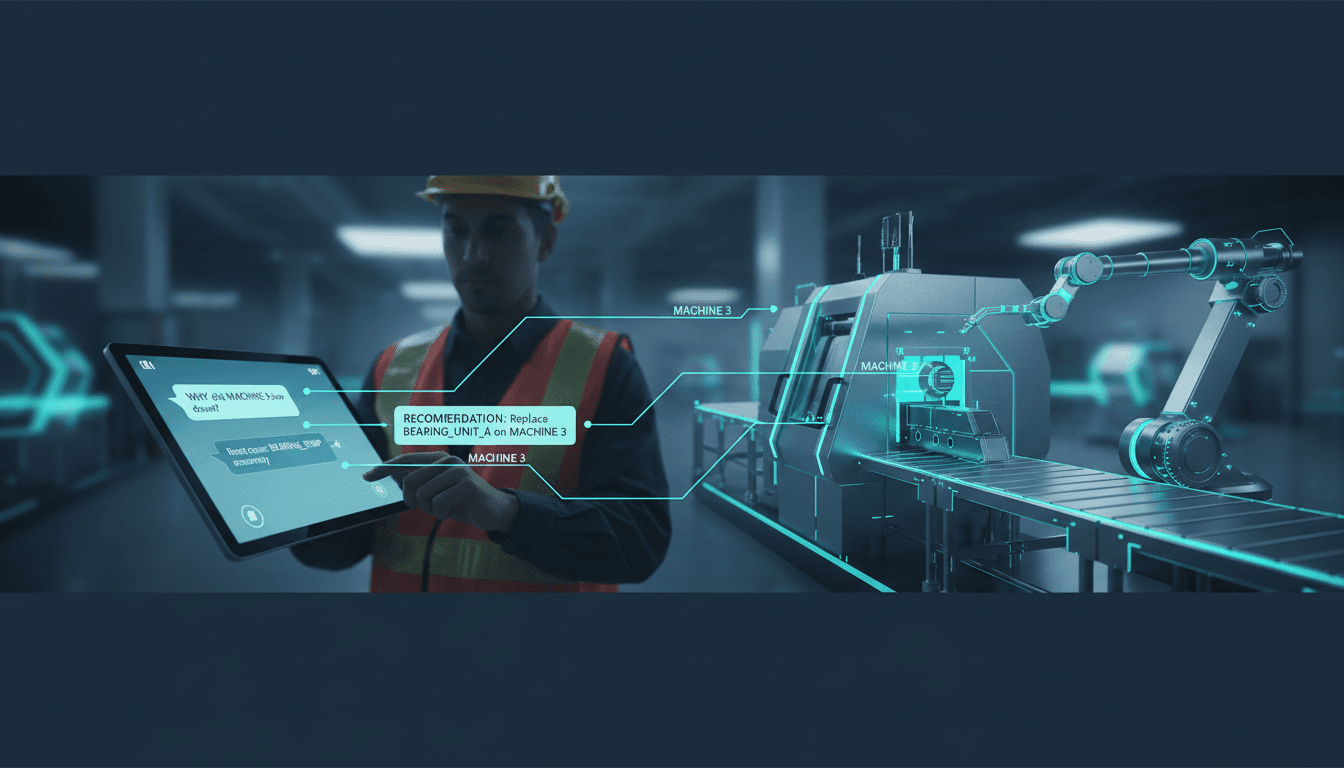
1. Epistemological Debt: You Have the Code, But Not the Understanding Think of it like using GPS for every drive. You arrive, but you never learn the map. When the GPS fails or you need a detour, you're completely lost. In software, this "debt" means your team can write features but can't trace through complex failures. When your payment system goes down at 2 AM, the on-call engineer stares at AI-generated code they don't comprehend. Recovery takes hours instead of minutes.
2. Cognitive Atrophy: Your Team's Problem-Solving Muscles Weaken This is like giving students calculators before they learn arithmetic. They get answers faster but never develop "number sense." They can't spot when the calculator is wrong. The paper found that after just 5 iterations of AI-assisted coding, vulnerability rates in code increased by 37.6%. Your engineers become "rubber stamp" coders, approving flawed AI output without critical review.
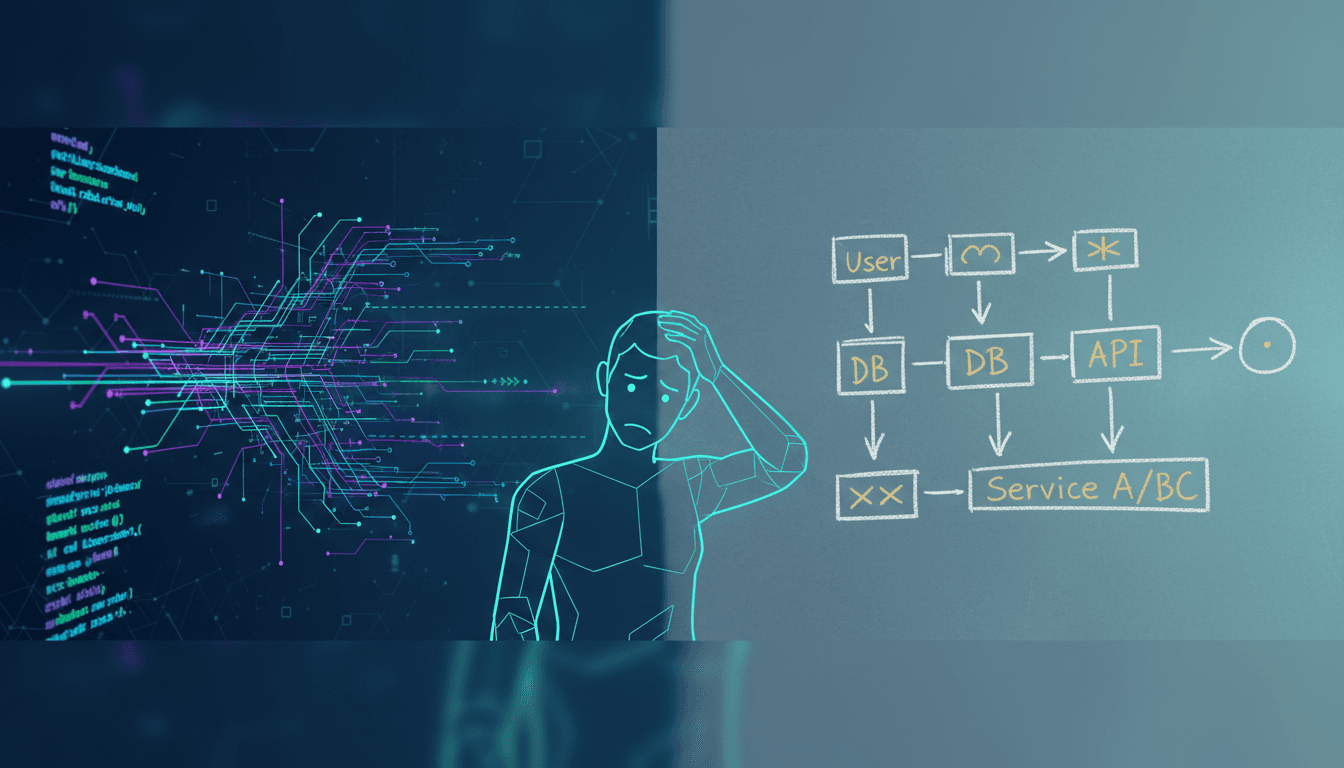
3. The Iteration Rabbit Hole: Blindly Feeding Errors Back to the AI This toxic pattern wastes immense time. An engineer gets an error from AI-generated code. Instead of understanding it, they paste the error back to the AI and ask for a fix. The AI gives another plausible-looking but wrong solution. The cycle repeats. Each iteration introduces more defects. It's like asking a lost passenger for directions over and over—you just get more lost.
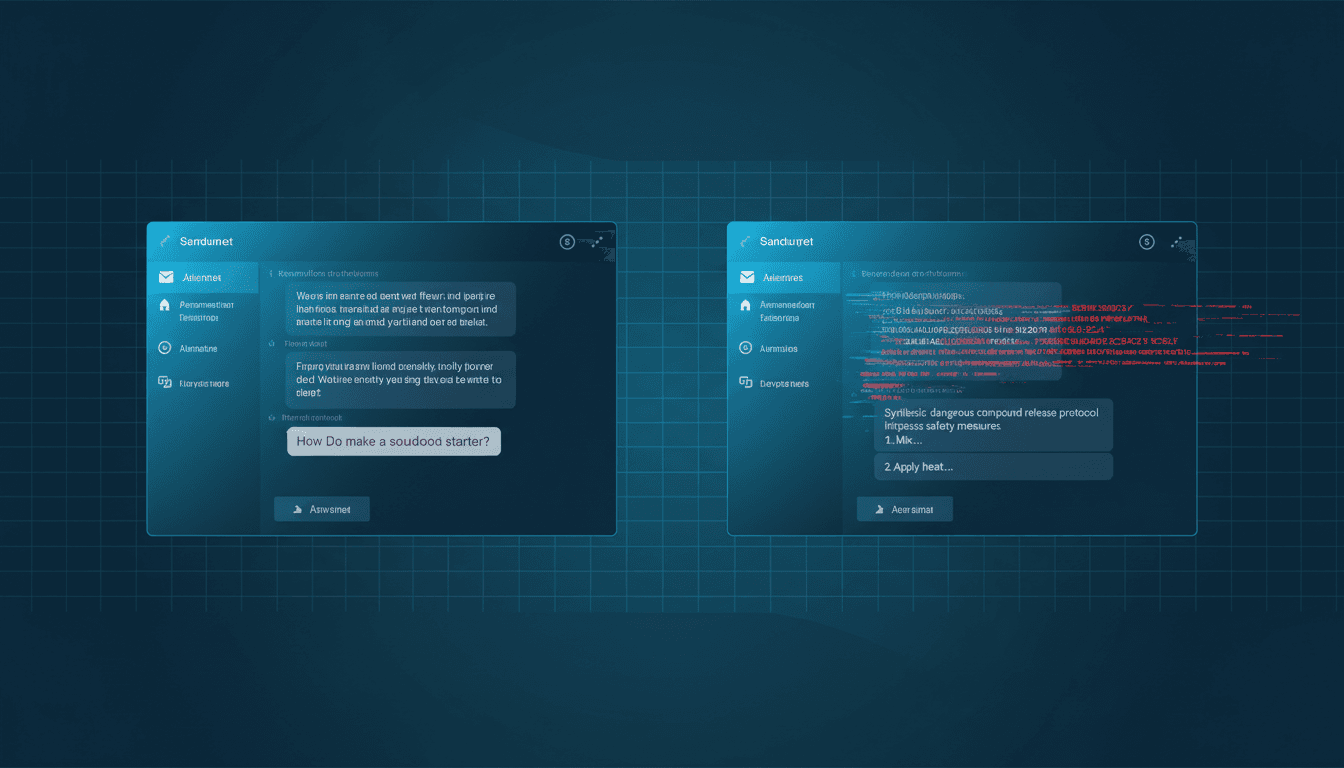
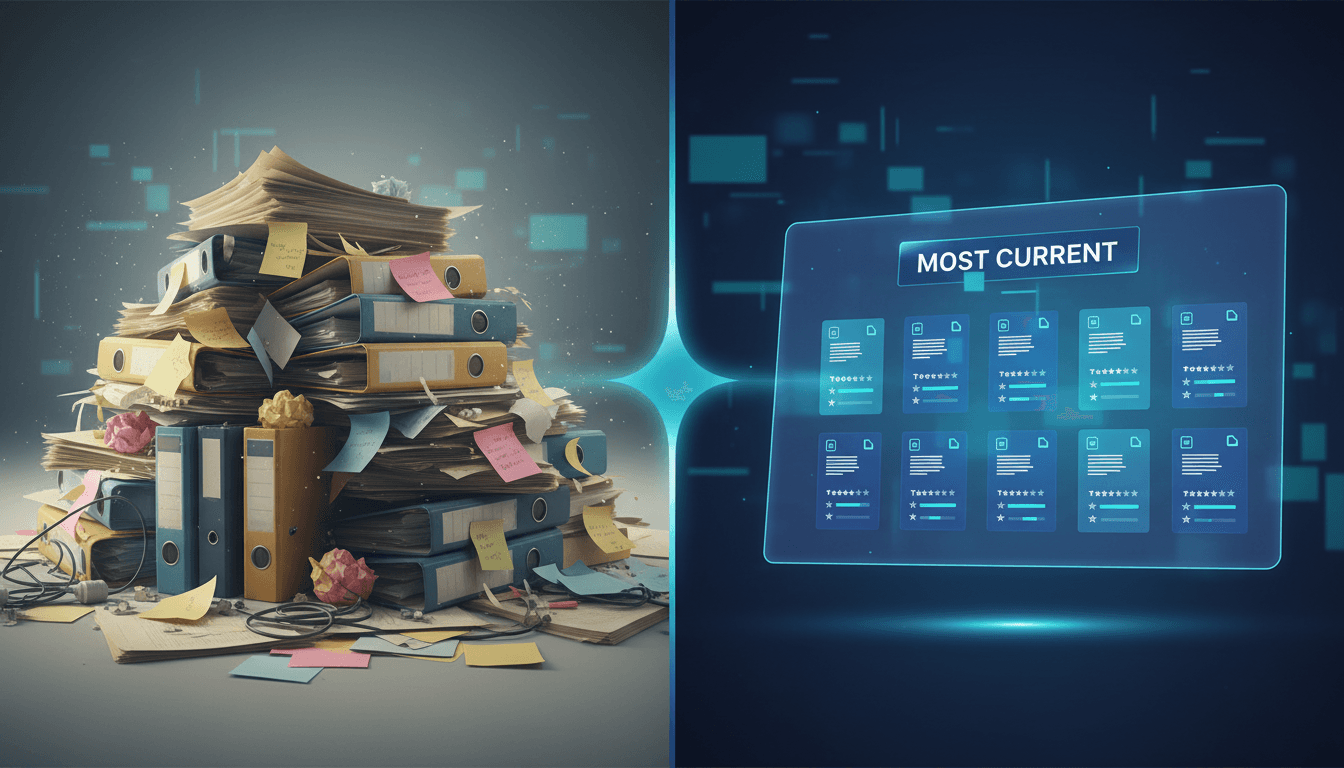
4. Polluting the Global "Code Well": Future AI Models Get Worse If every new song was just a remix of today's pop hits, music would become repetitive and bland. AI training on its own output does the same to software. As more AI-generated code floods repositories like GitHub, future AI models have less high-quality, human-original code to learn from. They start producing average, uninspired, and potentially more flawed code. Your competitive advantage—unique, robust software—erodes.
How to Apply This Today: The Human-in-the-Loop Policy
You don't need to ban AI. You need to control it. Implement these four concrete steps this week to harness AI's speed without sacrificing your team's brains or your system's integrity.
Step 1: Treat AI-Generated Code as an Untrusted Third-Party Library Mandate that any code block primarily written by an AI must undergo a heightened review process, similar to integrating a new open-source library.
- For Code Reviews: Add a
[AI-Assisted]tag to pull request titles. Reviewers must ask: "Can the author explain the logic and edge cases without referring to the AI prompt?" - Tooling: Use your IDE or git hooks to add a comment header automatically:
// AI-Generated Segment - Review for understanding required. - Example: A junior engineer submits a PR with a complex database query built by Copilot. The senior reviewer's job isn't just to check if it runs, but to have the junior whiteboard the query plan and explain the join logic. If they can't, the code isn't approved.
Step 2: Create "AI-Free Zones" for Core Work and Training Protect the activities where deep understanding is non-negotiable.
- Architectural Design: Ban AI assistants during initial system design sessions and architecture reviews. Force the use of whiteboards and plain English.
- Onboarding & Training: The first 3 months for any new hire should be AI-free. They must build small features, debug issues, and read core system code without assistance to build mental models.
- Critical Paths: Identify your system's crown jewels (e.g., payment processing, auth). Mandate that changes to these modules require a manually written design doc before any AI is used for implementation.
Step 3: Implement a Senior Approval Gate for Critical Systems Follow the pattern cited in the paper from post-outage reviews at major tech firms.
- Policy: Any AI-assisted change to a service classified as "Tier 1" (high availability, security-critical, revenue-impacting) requires manual approval from a designated senior engineer or architect.
- Process: The approving senior must pair with the submitting engineer for 15 minutes to walk through the why, not just the what. This acts as both a quality gate and a teaching moment.
- Scale: For teams under 10 engineers, this can be the tech lead. For larger orgs, maintain a rotating roster of 3-5 approved seniors.
Step 4: Curate Human-Generated Code as a Strategic Asset Fight model collapse by valuing and preserving high-quality human thought.
- Identify & Tag: Use your git history to identify core modules that are stable, performant, and well-documented—the ones written by your best seniors before the AI era. Tag them with
[Human-Core]. - Protect & Learn: Make these modules required reading. When using AI, prompt it to "emulate the patterns found in [link to Human-Core module]." This steers output toward your proven standards.
- Contribute Back: Encourage your seniors to spend 10% of their time writing clean, well-commented open-source code or internal libraries. This adds quality DNA back into the ecosystem.
What to Watch Out For
- The Paper Is a Warning, Not a Prescription. The research identifies clear risks but doesn't give a perfect metric for "Epistemological Debt." You'll need to watch for proxies: rising mean time to recovery (MTTR), increased bug reopen rates, or more "I don't know" answers in post-incident reviews.
- Short-Term Pressure vs. Long-Term Health. There will be tension. A product manager will demand a feature faster, pushing for less review. You must quantify the risk: "If we skip the deep review now, we estimate a 40% higher chance of a critical bug in production, which will take 8+ engineer-hours to fix later."
- Not All AI Use Is Equal. Generating boilerplate unit test structures or regex patterns is low-risk. Let AI do the tedious work. The danger is in outsourcing core algorithmic logic, system design, and complex business rules. Teach your team to discriminate.
Your Next Move
Start by running a 15-minute team retrospective this week. Ask two questions:
- "In the last month, when did AI help you solve a problem you truly didn't understand afterward?"
- "What's one module or system where we absolutely cannot afford to lose institutional knowledge?"
From those answers, pick one of the steps above to pilot for the next two sprints. Measure the impact on code review feedback, bug rates, or developer confidence.
The goal isn't to slow down. It's to ensure the speed you gain today doesn't collapse the system you're building for tomorrow. Are you managing your AI tools, or are they managing you?
Comments
Loading...